Open a program
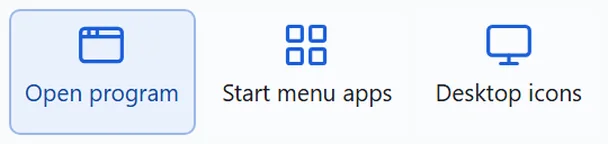
Drag a program from the desktop or the Start menu and it becomes a key. If it is already running, its window comes to the front.
KEY · PROGRAMFor Windows PCs No phone app to install
Press a key on your phone or tablet and a program, website or Windows feature opens on your PC.
One app on the PC, one QR scan on the phone.
One QR scan to connect · Works away from home

A mock-up of the deck your phone shows. Here the keys only press down — nothing opens.
The real deck answers each press the moment it happens, with a press effect and a vibration.
A key can hold four kinds of things. What a key opens is set in the PC settings window; on the device you can only move keys around.

Drag a program from the desktop or the Start menu and it becomes a key. If it is already running, its window comes to the front.
KEY · PROGRAM
Drag a bookmark in and the site's icon comes with it.
KEY · WEBSITE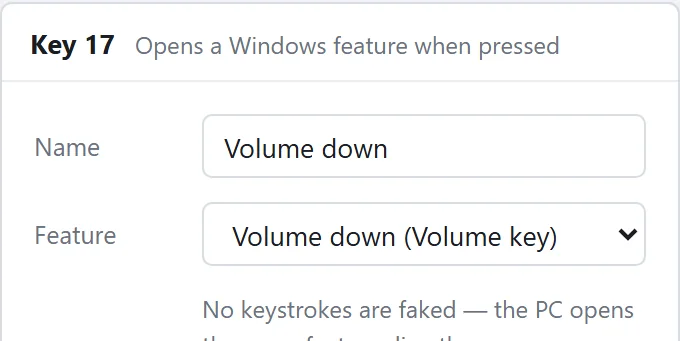
Volume up, down and mute; play, pause, next and 10-second skips; screenshots; show desktop and minimise all; shortcuts into Settings.
KEY · WINDOWS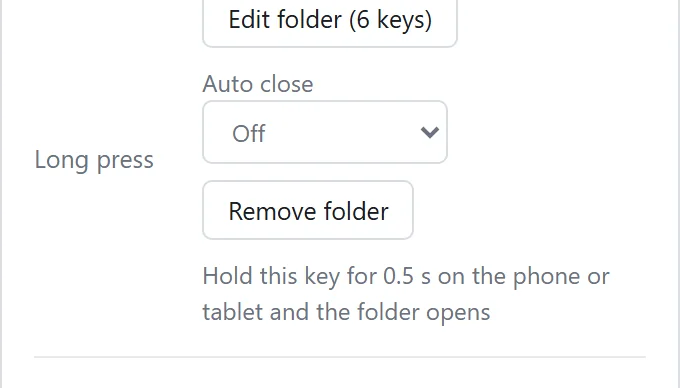
Group several keys into one folder. Hold it to open; the top-left key takes you back.
KEY · FOLDER
The album art, title and progress of what is playing, and the volume level, appear on the keys. When the song changes, the keys follow within a second or two.

One touch and the music you love plays.
Pick one under “Deck skin” on the PC settings ribbon and every connected phone and tablet changes with it. A skin changes the background, body, empty slots, tabs and clock cell — the key colours and pictures you chose stay as they are.

Real screens of the same tablet deck with only the skin changed. Press a skin below to change the screen above. The violet, green and blue keys are colours the user chose, so they stay the same in every skin.
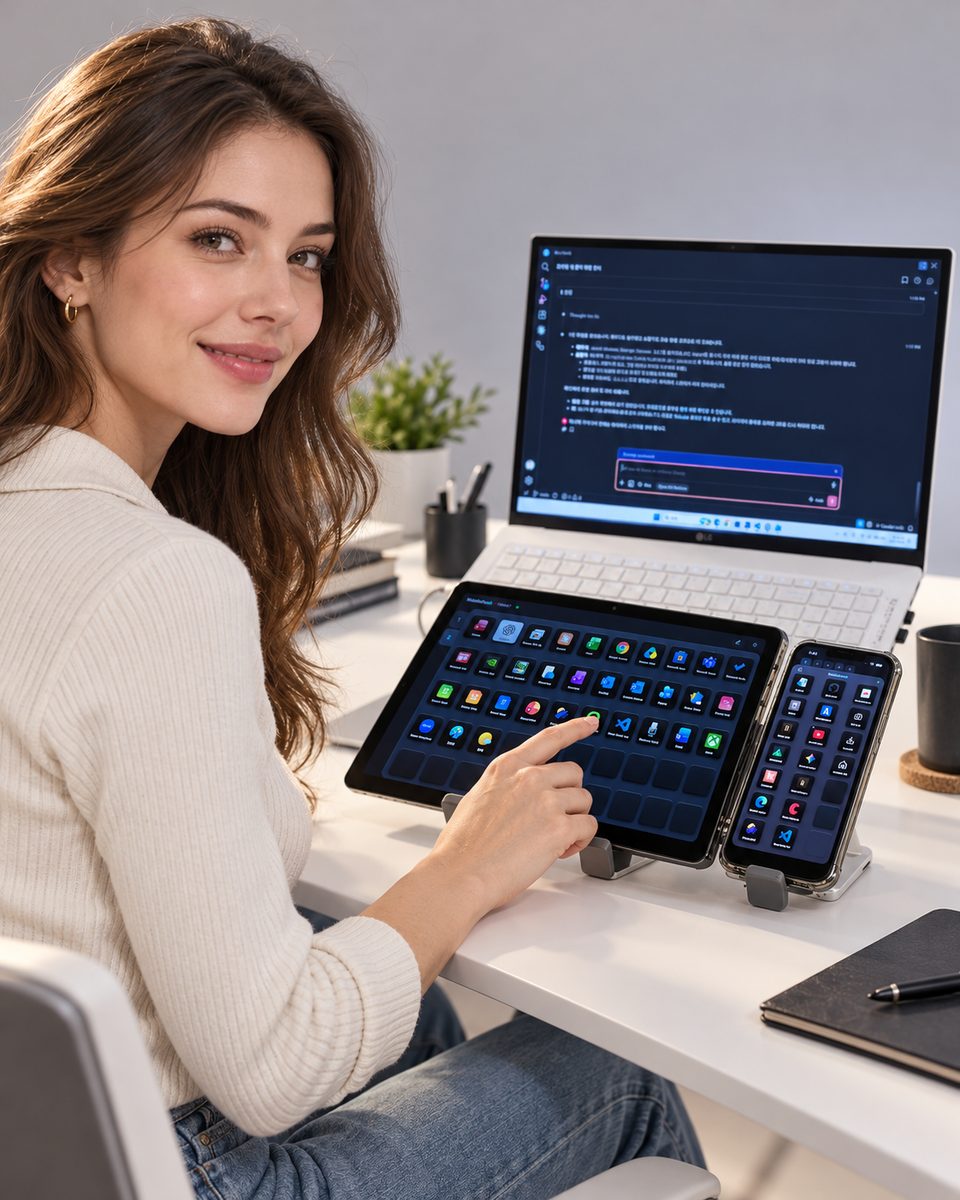
Connect both to the same PC, each with its own layout. Turn the device and the deck turns with it.
Phone
Just the size to stand next to your keyboard. The large cell shows a clock.
Tablet
Put the tablet you no longer use under your monitor. More keys on one screen.
PC
Keep the MobileDeck app running on your Windows PC. It sits in the tray; you build the key layout in the settings window by dragging things in.
Phone
Scan the “Connect phone” QR in the settings window with your camera and the deck opens in the browser. Add it to the home screen for full screen, like an app.
Then
Press a key and it opens on the PC. At home or away.
What it won't do comes first
What it can do stops at “open”.
All a phone can do is press the keys you have already made.
What a key opens is set only in the PC settings window. It cannot be changed from the phone.
It does not press shortcuts for you, and it does not read the PC's keyboard or mouse input.
Standard includes the app, connecting your devices and using it away from home. The now-playing page and the OBS page are Premium.
Standard
US$5.95 / month
Monthly · or US$59.95 a year (2 months free) · tax included
Premium
US$9.95 / month
Monthly · or US$99.95 a year (2 months free) · tax included
Right. Your phone or tablet opens the deck in its browser. Scan the QR in the PC settings window and that device is connected; add it to the home screen to use it full screen like an app. The only thing you install is the app on your Windows PC.
Windows PCs. There is no macOS or Linux app. On the phone side it has been checked on iPhone and Android, and a tablet gets its own 10×5 layout.
Yes. As long as the PC is on and connected to the internet, you can press keys wherever your phone is. If the PC is off or asleep, the phone tells you the PC is not answering. MobileDeck cannot switch the PC on.
No. MobileDeck does not create keyboard or mouse input. It opens programs and websites, runs 51 Windows features (volume, media, screenshots, windows, settings and more) and folders — that is all it does.
Yes. A phone and a tablet can be connected together, each with its own layout. You can see and disconnect them in the PC settings window.
Standard is US$5.95 a month and Premium is US$9.95 a month, tax included. Paying yearly gives 12 months for the price of 10 (Standard US$59.95 · Premium US$99.95). Standard includes the Windows app, connecting your phone and tablet, and using it away from home; Premium adds the now-playing page and the OBS page. One subscription covers two PCs — a desktop and a laptop.
Press Get started and sign up with your email or Google account. The Windows app and how to connect are sent to that email. Start the app, scan the QR with your phone, and you are set.
If you press a key and the PC does not answer, the phone tells you, and says which side is down. When the PC is back online, the phone comes back by itself.
Services that AIrirang, the maker of MobileDeck, runs today.
MobileDeck is made and run by AIrirang. Contact — skseo@airirang.co.kr


